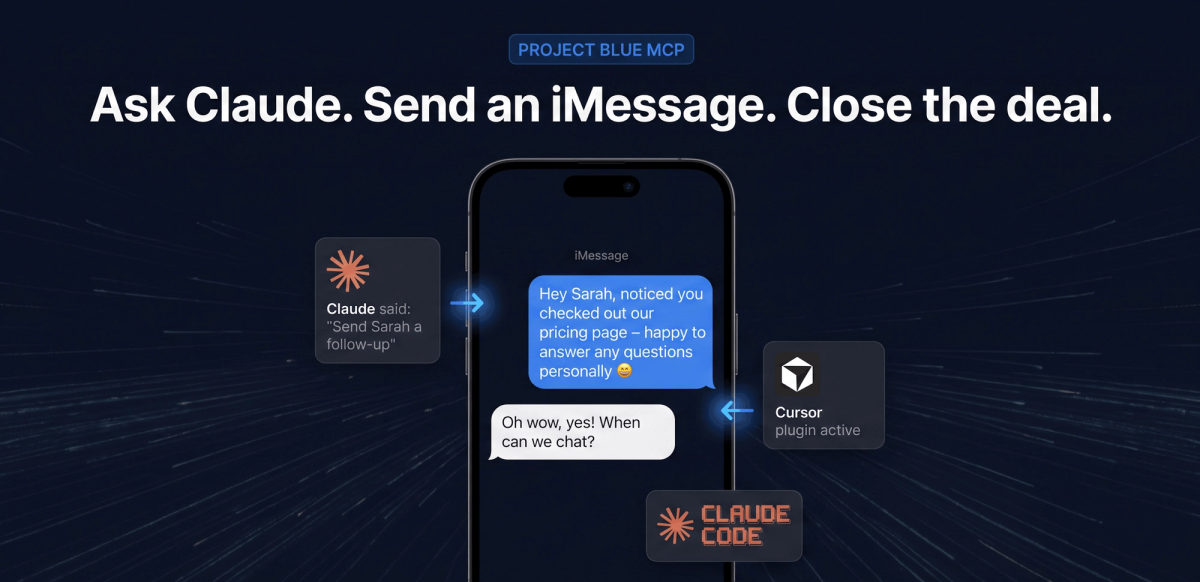


A REST API and MCP server for real iMessage, SMS, FaceTime Audio, and call outcomes — so you can build texting and calling into your own product instead of buying a CRM to get it.
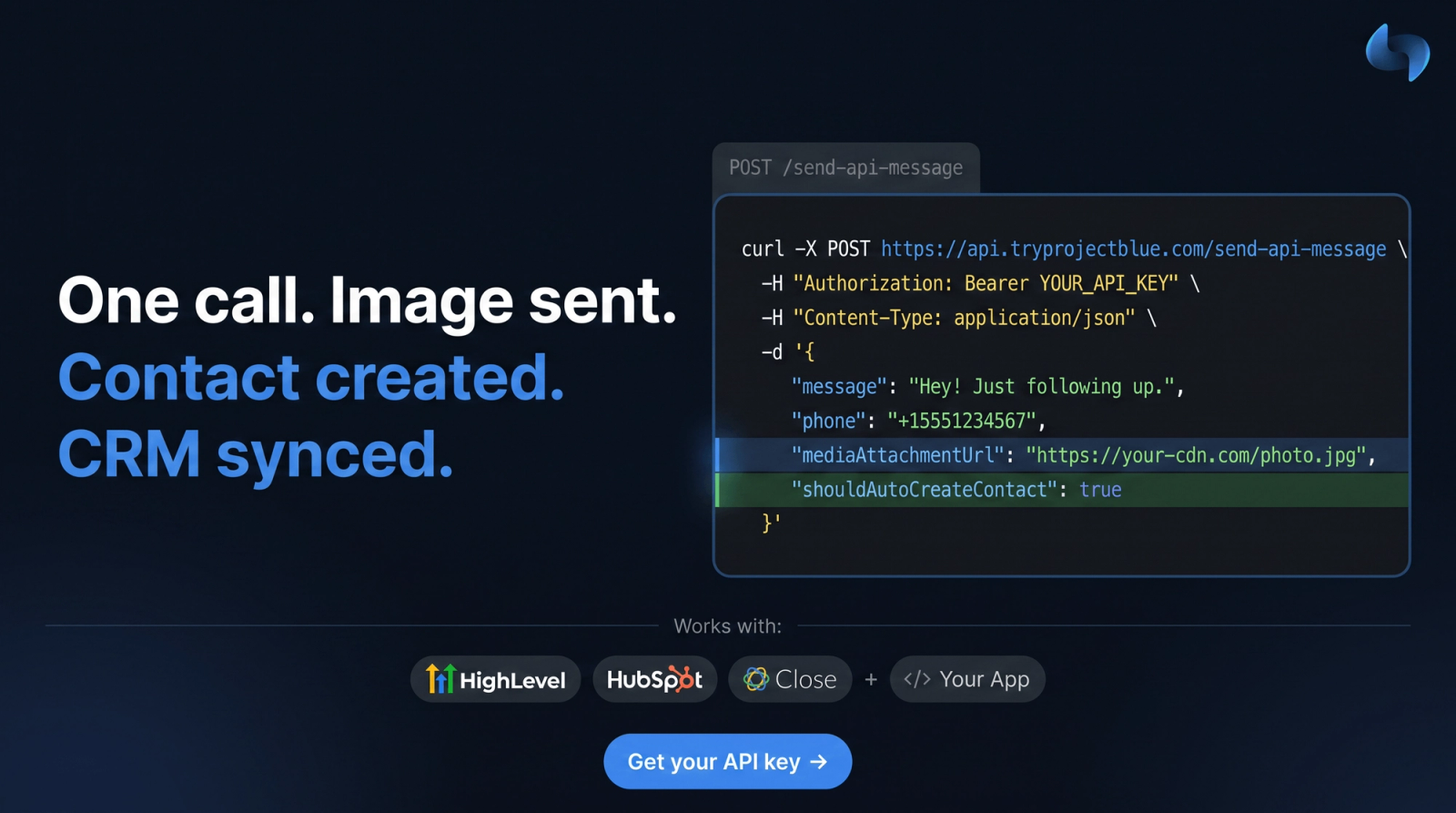
Project Blue runs a fleet of real iPhone lines and gives you HTTP access to them. Send blue-bubble iMessage, read every reply, run durable multi-step Workflows, place FaceTime Audio calls, and pull back call recordings with AI-classified outcomes — all with a Bearer key. If your team is building its own CRM or sales tooling, this is the comms layer you don't have to build.
POST a number and a body to /send-api-message and it goes out as blue-bubble iMessage from a real iPhone line. Bearer auth, pick a line with /get-lines, and idempotency keys so a retry can't double-text anyone.

GET /get-messages-api pages the full thread with attachments and delivery state. Or register a webhook and Project Blue posts inbound and outbound messages as they land, so your app reacts instead of polling.

POST /enroll-flow and Project Blue runs the sequence — send, delay, wait for reply, call your webhook — with durable state in Postgres. Runs pin the flow at enrollment, so edits can't corrupt anything in flight.

GET /get-call-logs-api returns every dial with duration, recording URL, Whisper transcript, and an AI-classified outcome — meeting_scheduled, callback_requested, voicemail, and more. A structured field your code can branch on, not a blob to parse.
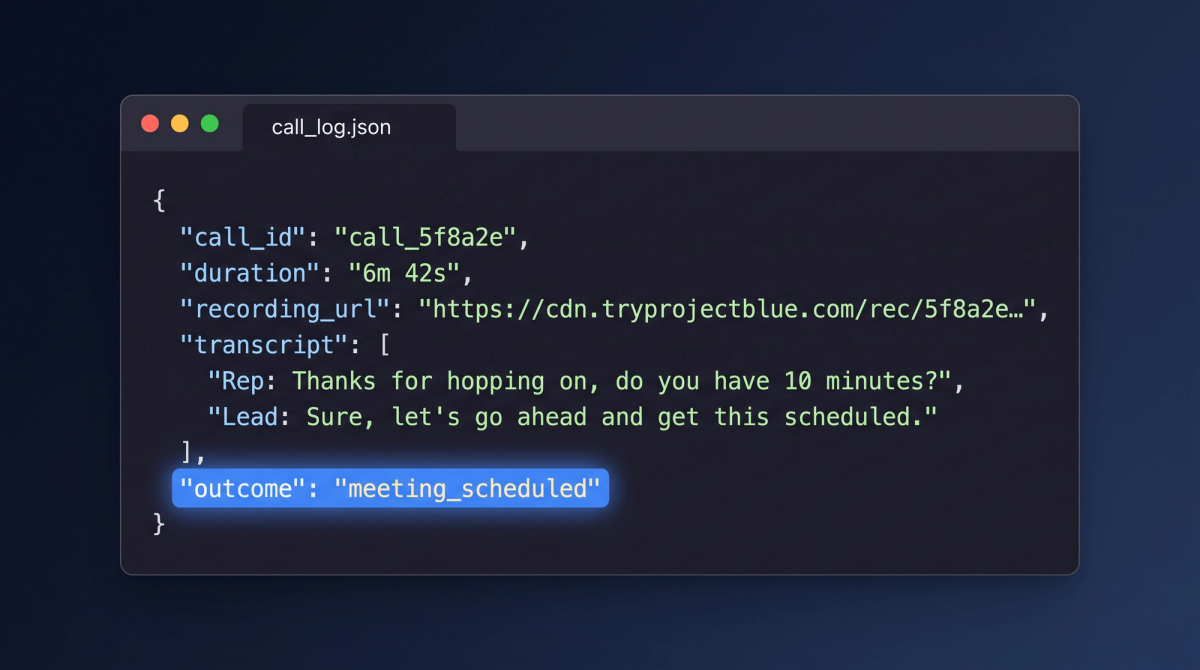
POST /start-facetime-call-api to dial, poll /get-facetime-call-status-api for live state, and /end-facetime-call-api to hang up. It rings as FaceTime rather than an unknown number, and recordings get the same transcript and outcome treatment.

A remote MCP server with fifteen tools across messaging, message history, call logs, FaceTime, contacts, and Workflows. Connect Claude or Cursor over OAuth 2.1 with PKCE — no config file, no long-lived key in a prompt.