
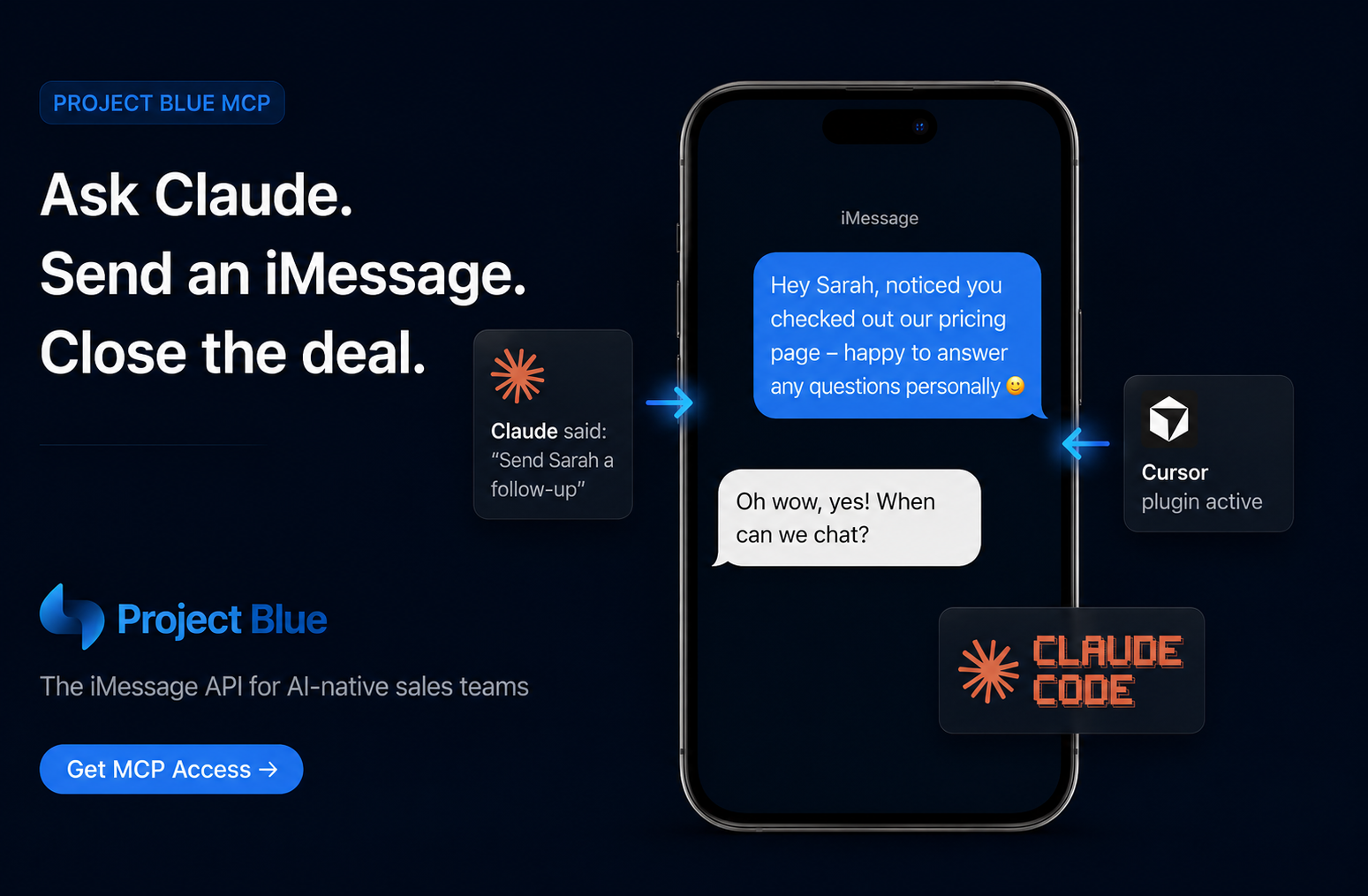
Your AI assistant can already draft the follow-up. Now it can send it.
The Project Blue MCP server connects Claude, Cursor, and any other MCP-compatible client directly to your iMessage and SMS line — so your assistant can text a lead, check whether a number supports iMessage, or pull up your last conversation with a customer, all without you leaving the chat window.
MCP (Model Context Protocol) is the open standard that lets AI assistants like Claude connect securely to outside tools and data. The Project Blue MCP server is Project Blue's implementation of that standard — it exposes your Project Blue messaging account as a set of tools an AI assistant can call on your behalf.
In practice, that means you can ask Claude (or Claude Code, or Cursor) to do things like:
Everything reads and writes through the same account you already use in the Project Blue web app — no separate integration to maintain.
Most "AI SDR" tooling stops at drafting the message. Someone still has to copy it, find the number, and hit send in a separate app. The Project Blue MCP server closes that gap: the same assistant that decides what to say can now actually send it, then come back later and check whether the lead replied — all from the same chat or IDE window your team already lives in.
That's the workflow behind the "Ask Claude. Send an iMessage. Close the deal." idea: a rep (or an AI agent working on their behalf) sees a signal — a pricing page visit, a stalled deal, a missed callback — and follows up in the channel that actually gets opened and answered.
There's no API key to generate and no token to copy anywhere. Setup is entirely OAuth-based:
https://api.tryprojectblue.com/api/mcp — into your client's connector settings.app.tryprojectblue.com.That's it. Your client receives a scoped access token, and Project Blue mints a dedicated API key behind the scenes tied to that one connection — so you can revoke it anytime from Settings → Connected Apps without touching anything else.
Claude Desktop: Go to Settings → Connectors → Add custom connector, name it "Project Blue," and paste the server URL. Leave the OAuth fields blank; they populate automatically.
Claude Code:
claude mcp add project-blue --transport http https://api.tryprojectblue.com/api/mcp
Cursor: Add the server URL to ~/.cursor/mcp.json (or your project's .cursor/mcp.json).
Any other MCP client: If your client supports remote MCP over streamable HTTP, it works out of the box. Clients that only support stdio can use the mcp-remote adapter — full snippets are in the API docs.
The MCP server runs on OAuth 2.1 with Dynamic Client Registration and PKCE — the same protections used by modern, security-conscious AI tooling. Your assistant never sees a raw API key; it holds a scoped token that maps back to a Project Blue key created specifically for that connection. Revoke the connection and the token and its underlying key stop working immediately.
Picture this: a lead checks out your pricing page, then goes quiet. Instead of waiting for a human to notice in the CRM, you ask Claude to follow up. Claude checks the lead's activity, drafts a message, and sends it — as an iMessage, blue bubble and all — through your Project Blue line. The lead replies in minutes, and Claude can surface that reply the next time you ask "what's new with Sarah?"
That's the entire loop: notice, draft, send, and check back — without a rep ever opening a separate messaging app.
What is the Project Blue MCP server?
It's a remote MCP (Model Context Protocol) server that lets AI assistants such as Claude Desktop, Claude Code, and Cursor send iMessages and SMS, check iMessage availability, and read message and call history through a user's Project Blue account.
Do I need an API key to connect?
No. Authentication happens through OAuth 2.1 — you sign in and approve the connection in your browser. Project Blue issues a scoped key behind the scenes automatically.
Which AI tools work with it?
Any MCP-compatible client works, including Claude Desktop, Claude Code, and Cursor. Clients that only support stdio connections can use the mcp-remote adapter.
Can I revoke access later?
Yes. Go to Settings → Connected Apps in the Project Blue web app to revoke a connection at any time — this immediately invalidates the token and its scoped key.
What can the AI assistant actually do — read data, send messages, or both?
Both. send_message sends iMessages/SMS (with optional media, audio, or AI voice memos). The remaining tools are read-only: checking iMessage availability, listing sending lines, listing messages, fetching a single message, and pulling call logs.
Paste https://api.tryprojectblue.com/api/mcp into your client's connector settings and sign in — you'll be sending your first AI-drafted iMessage in under a minute.