
If you're running an agency and managing iMessage outreach across multiple clients, you already know the pain: log into one account, check conversations, log out, log into the next, repeat. All day. Every day.
It's tedious, it breaks your flow, and it makes it nearly impossible to get a clear picture of how all your clients are performing at once.
That's exactly what Agency Mode is built to fix.
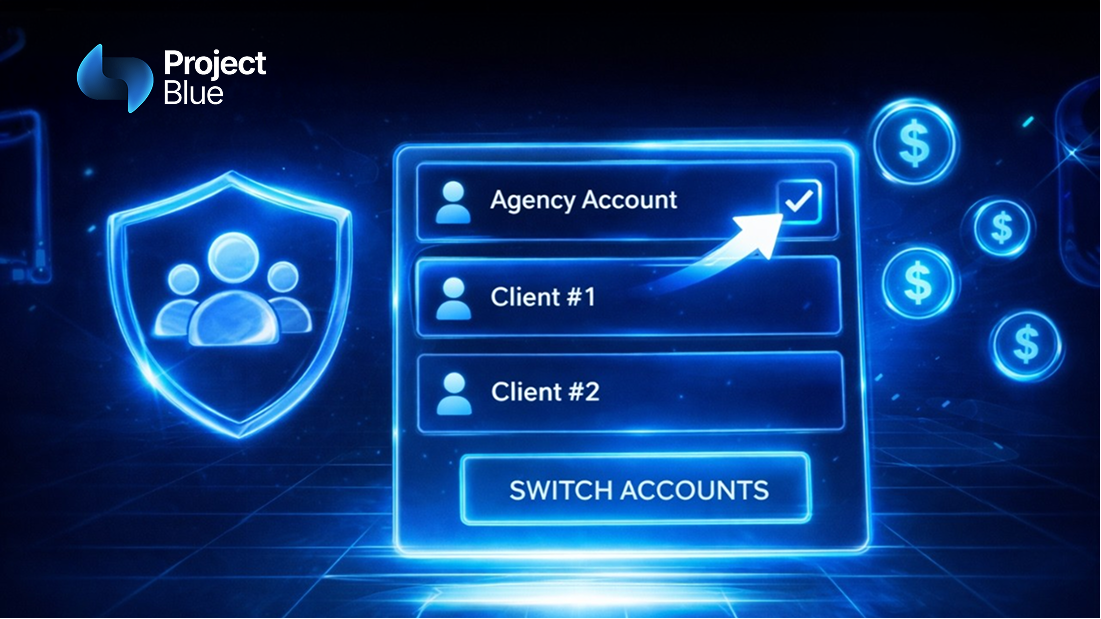
Agency Mode is a new feature inside Project Blue that gives agencies a single master account to manage all of their client accounts from one place. No more logging in and out. No more switching browsers or incognito tabs. Just one clean interface where you can toggle between clients instantly.
Whether your clients are on GoHighLevel, HubSpot, Close, or another CRM entirely, Agency Mode brings them all under one roof.
Once Agency Mode is enabled on your account, you get:
The shift to iMessage-based outreach is already delivering 2-3x better reply rates for the businesses using it. But for agencies managing that outreach on behalf of clients, the operational side has always been a friction point.
Agency Mode removes that friction. You get the performance benefits of native iMessage delivery and the operational efficiency of centralized account management. That combination is what makes it possible to scale iMessage outreach across a full client roster without hiring more people just to manage logins.
Agency Mode is rolling out now at no additional cost to existing Project Blue users. It's a first step, with the team already planning expanded analytics capabilities and deeper data visualization based on user feedback.
If you're an existing user and want to enable it, just reach out to the Project Blue support team and they'll get you set up.
See Agency Mode in action on YouTube → Project Blue Agency Mode Walkthrough
Agency Mode is built for anyone managing Project Blue on behalf of multiple clients. That includes:
If you log into more than one Project Blue account on a regular basis, this feature will save you meaningful time every single day.
The team is treating Agency Mode as a foundation, not a finished product. Planned updates include richer analytics, more granular reporting per client, and improved data visualization across the dashboard. User feedback is actively shaping the roadmap, so early adopters have a real opportunity to influence what gets built next.
Ready to simplify how you manage your client accounts? Contact the Project Blue team to enable Agency Mode →